> ## Documentation Index
> Fetch the complete documentation index at: https://staff.ermbot.xyz/llms.txt
> Use this file to discover all available pages before exploring further.
# Logging
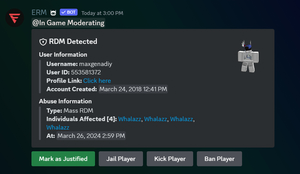
> ERM can log things like player logs, kill logs, mass RDM detection, etc.
These steps will only work if the PRC API pack has been purchased for the server. If it has not, it needs to be purchased before they continue with the steps.
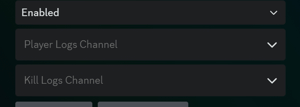
To setup player logs (join/leave logs)
1. Run the /config command
2. Toggle to the ER:LC Integration tab
3. Select which channel you want the logs to go to (second selection down)
 To setup kill logs
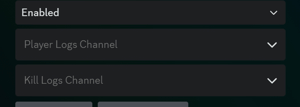
1. Run the /config command
2. Toggle to the ER:LC Integration tab
3. Select which channel you want the kill logs to go to (third selection down)
To setup kill logs
1. Run the /config command
2. Toggle to the ER:LC Integration tab
3. Select which channel you want the kill logs to go to (third selection down)
 To setup mass RDM
1: Run the /config command
2: Toggle to the ER:LC Integration tab
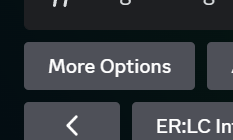
3: Click the More Options button
To setup mass RDM
1: Run the /config command
2: Toggle to the ER:LC Integration tab
3: Click the More Options button
 4: Choose which role(s) ERM will ping and which channel it will send the alert to
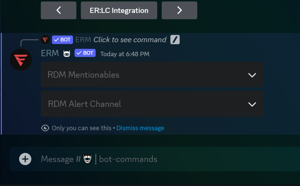 5. Example of a log.